Compare all 24 added browser ports
| Game | Status | Download | Phone | Mode |
|---|
| Minecraft Classic | Plays instantly | ~14 MB | Desktop only | Creative building, solo or with friends via invite link |
| GTA III (re3 port on WASM Arcade) | Plays instantly | ~130 MB | Works on phones | Single-player open world, keyboard, mouse, gamepad or touch |
| GTA V (RAGE WebAssembly port) | Plays instantly | ~550 MB+ | Desktop only | Single-player Story Mode or Sandbox Mode on desktop |
| Red Alert 2: Chrono Divide | Own files needed | ~1 MB + your files | Phone: limited | Real-time strategy, skirmish and online multiplayer |
| WebSockets Wasm Doom | Plays instantly | ~5 MB | Works on phones | Shareware Doom, solo or online multiplayer |
| Doom 3 Demo (d3wasm) | Free demo | ~380 MB | Desktop only | Single-player demo levels |
| OpenTTD (web build) | Plays instantly | ~5 MB | Phone: limited | Single-player transport tycoon sandbox |
| SuperTuxKart (WebAssembly) | Plays instantly | ~120 MB | Desktop only | Kart racing against AI |
| PrinceJS (Prince of Persia) | Plays instantly | ~2 MB | Phone: limited | Single-player platformer with the 60-minute timer |
| Nacht der Untoten (browser edition) | Plays instantly | ~80 MB | Desktop only | Zombie survival, solo or with up to three friends |
| NetQuake.io | Free demo | ~25 MB | Desktop only | Quake single-player and multiplayer |
| Quake III Arena (Q3JS) | Plays instantly | Not measured | Phone: limited | Online arena multiplayer with a server browser |
| bunnyhop.lol (CS:S bhop) | Plays instantly | ~11 MB | Desktop only | Single-player bhop runs with leaderboards and online servers |
| micropolisJS (SimCity) | Plays instantly | <1 MB | Desktop only | Single-player city builder |
| Three.js Doom | Plays instantly | ~5 MB | Phone: limited | Shareware Doom single-player, rebuilt on Three.js |
| Three.js Quake | Plays instantly | ~9 MB | Phone: limited | Quake shareware single-player, rebuilt on Three.js |
| Three.js Descent | Plays instantly | ~3 MB | Phone: limited | Shareware Descent single-player, six degrees of freedom |
| webduke (Duke Nukem 3D) | Free demo | ~12 MB | Phone: limited | Shareware episode, single-player and invite-link multiplayer (beta) |
| EDuke32 WASM (Duke Nukem 3D) | Free demo | ~6 MB | Phone: limited | Shareware episode, single-player plus peer-to-peer co-op and deathmatch |
| Iron Wolf (Wolfenstein 3D) | Free demo | ~11 MB | Phone: limited | Wolfenstein 3D shareware episode, single-player |
| 3D Pinball: Space Cadet (Wine-Assembly) | Plays instantly | ~15 MB+ | Phone: limited | Single-player pinball inside a Windows 98 emulator |
| RollerCoaster Tycoon (Wine-Assembly) | Plays instantly | ~50 MB+ | Phone: limited | Single-player theme park builder |
| Combat Skirmish (CS 1.6 online) | Plays instantly | Not measured | Phone: limited | Online CS 1.6 on public community servers, plus ranked 5v5 |
| CSJS (CS 1.6 online) | Plays instantly | Not measured | Phone: limited | Online CS 1.6 with a server browser |
Download sizes are one-off measurements from Oct 13, 2026: data transferred before the game became playable, desktop Chromium, empty cache. Where we could not measure, we quote the project's own figure (SuperTuxKart) or say so. Phone ratings combine a 375px touch test with each project's own claims.
PC games in browser: what WASM Arcade is
The last entry in the Radiant Optimizer list, labeled "More GTA / Minecraft", links to WASM Arcade, a third-party hub that collects WebAssembly fan ports of PC games. Its own title is "PC Games Online: GTA, Simpsons, Minecraft". Instead of one game, you get a menu of ports, and each port has its own requirements.
Hubs like this are useful for discovering PC games in browser, but they change often. Games are added, removed, or moved to new addresses, so treat each port on its own terms.
How PC games run in a browser
Three technologies make PC games in browser possible. WebAssembly runs compiled C, C++ or Rust code at close to native speed. WebGL, and increasingly WebGPU, gives that code access to the graphics card. And browser storage APIs let a game keep gigabytes of data and saves on your device. Developers take an existing engine, often an open-source or reverse-engineered one, compile it for the web, and load the game data at runtime.
That is also why most ports of commercial PC games ask for your own files: the engine can be shared, the copyrighted content cannot.
How to use a PC games hub safely
- Check each game's page for whether it needs your own files before you start.
- Never install a launcher, extension or .exe that a hub or one of its games offers.
- Do not enter Steam, Rockstar, Microsoft or Google logins on third-party game pages.
- Bookmark the specific port you like, not the hub page, since hubs get reorganized.
Our browser games safety guide covers these warning signs in more detail.
PC games in browser you can play from this list
Several of the best PC ports from the Radiant Optimizer list have their own guides here: GTA Vice City in browser, Simpsons Hit and Run in browser, Half-Life in browser and Diablo in browser. If you were hoping for the newest GTA, read GTA 5 in browser first; it explains why the list's link is an archived page and how far the separate, experimental GTA V port gets.
What about Minecraft in the browser?
Minecraft has a long history in the browser: Mojang released a free Minecraft Classic web version for the game's tenth anniversary in 2019, and many fan projects recreate it. Fan ports of the modern Java edition depend on the original game's files and Microsoft's licensing, so availability on hubs changes frequently. The official game remains the reliable option.
What your browser needs for PC games
PC games in browser lean on features that not every browser enables by default. Hardware acceleration must be on so WebGL can use your graphics card. Ports that load your own files need permission to store large amounts of data, which browsers grant automatically for normal windows but not for private ones. Some ports also need SharedArrayBuffer for multithreading, which only works on sites that send the right security headers; when a port says your browser is unsupported, that is usually the reason. Chrome and Edge currently offer the broadest support, Firefox comes close, and Safari varies by version.
How to tell if a PC port is legitimate
A trustworthy port tells you what it is, credits the engine or project it is built on, and asks for your own game files rather than bundling a commercial game. Many publish their source code on GitHub. Be skeptical of any page that offers a modern AAA game in a browser for free, hides who made it, or pushes a download.
Saving progress in PC games in browser
Ports store saves in your browser's storage for that site. Saves survive closing the tab, but not clearing site data, private windows, or switching browsers. Some ports offer an export button for save files; use it before you clean up your browser.
How we pick PC games in browser
Every game on this page had to pass a simple test: it must actually run in a browser tab when we open it. We look for ports or remakes of well-known PC and console games, not small web originals. We skip pirated ports of games that are still on sale, and native PC ports that do not run in a browser, because neither fits a guide to PC games in browser.
Several candidates did not make it. Some links were dead, some domains had changed hands, and a few projects that looked promising turned out to be native ports that cannot run in a browser at all. Almost every game that remains was loaded by hand when we added it, and we measured its download size and phone support ourselves (where we could not join a live match, we say so). After that, an automated check re-tests every link daily, so a card is marked as soon as a project stops responding.
Big names you can play right now
- GTA 3 in browser: a WebAssembly build of the re3 project that streams about 130 MB and needs no files, with touch controls on phones.
- GTA 5 in browser: an experimental port that streams more than 550 MB; it reached map selection in our test but crashed twice while loading the map.
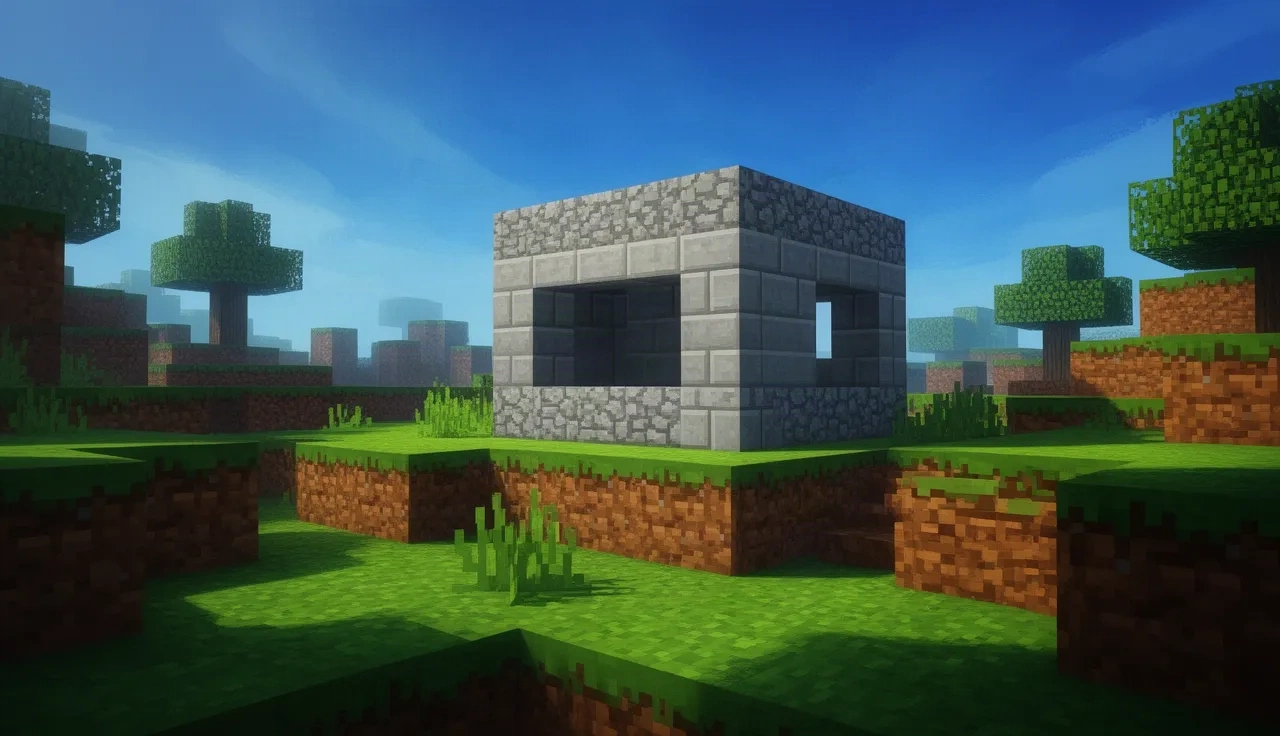
- Minecraft in browser: Mojang's own free Minecraft Classic, about 14 MB, with friends able to join through a shared link.
- Red Alert 2 in browser: Chrono Divide, a fan remake with online multiplayer that needs the game files from your own copy.
- Doom in browser: shareware Doom in about 5 MB with online multiplayer, plus the much larger Doom 3 demo.
- OpenTTD in browser: the free remake of Transport Tycoon Deluxe in about 5 MB, with saves kept in your browser.
- SuperTuxKart in browser: the open-source kart racer, starting at a 120 MiB download on low texture quality.
- Prince of Persia in browser: PrinceJS, a remake of the 1989 original in about 2 MB, timer included.
- COD zombies in browser: Nacht der Untoten, the first zombies map, with co-op for up to four players.
- Quake in browser: NetQuake.io for the original Quake and Q3JS for live Quake III Arena servers.
- CS surf in browser: bunnyhop.lol, Counter-Strike: Source style bhop with 200+ maps and leaderboards.
Micropolis: SimCity in a tab
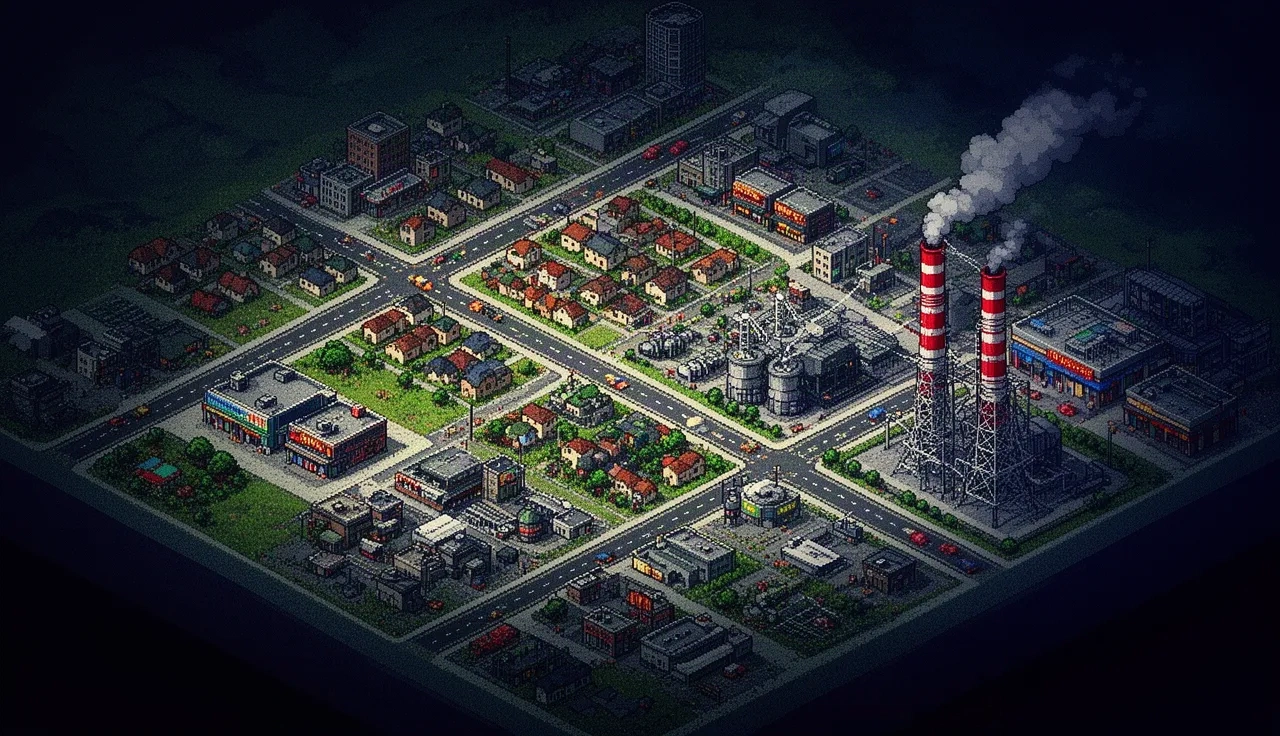
micropolisJS is a hand-written HTML5 and JavaScript port of Micropolis, the open-source release of the original SimCity code. Because it is written for the web rather than compiled from a large engine, it is by far the lightest game here: it loaded in under 1 MB in our test. You can start on a generated map or load a saved game. One catch: it refuses to start on small screens, showing a message that the screen is too small for its controls. Open it in a desktop-sized browser window.
Reading the download size and phone columns
The size column shows how much data was transferred before the game became playable, meaning a main menu, map selection or the game itself. We measured it in desktop Chromium with an empty cache on 13 October 2026. "+ your files" means you also supply game data from your own copy, which is not counted. "Unknown" means we did not measure it; Q3JS, for example, only loads fully once you join a live match.
For phones, "Works on phones" means we saw touch controls on a 375-pixel touch viewport. "Phone: limited" means the game loads or claims phone support, but we could not confirm comfortable touch play. "Desktop only" means it refused to start, required a keyboard, or is clearly built for desktop hardware.
Second batch: ten more PC games in browser
We later checked a second round of candidates and added ten more games. Five have their own pages: Duke Nukem 3D in browser with two EDuke32 builds, Wolfenstein 3D in browser, Descent in browser, RollerCoaster Tycoon in browser and Space Cadet pinball in browser. The other additions joined existing pages: Three.js Doom on the Doom page, Three.js Quake on the Quake page, and Combat Skirmish and CSJS for CS 1.6 online with no files.
One candidate was left out. An OpenRA build of Red Alert stayed on a black screen for more than a minute in each of two tests, so we did not list it.
Tips before you play
- Check the download size before you start on a mobile connection. Some ports stream hundreds of megabytes.
- Desktop Chrome or Edge gives the best results for almost every port here.
- Bookmark the specific game, not a hub. Hub pages get reorganized.
FAQ
Is WASM Arcade official?
No. It is a third-party hub of fan ports.
Which PC games in browser work on a phone?
See the Phone column in the comparison table. GTA III and the WebAssembly Doom build have touch controls; most other big ports are desktop only.
Is WASM Arcade safe?
The ports run in the browser sandbox. The risk is any download it might offer, which you should skip.
Why do PC games in browser need my files?
The engine can be shared freely, but the game's art, music and levels are copyrighted. You supply them from your own copy.
Why are some famous games missing?
We only add ports we could load ourselves. Some well-known links were dead, turned out to be native PC ports, or only rehost pirated copies.
Related
← Back to all Radiant Optimizer games