Updated Oct 13, 2026 · 1 more we checked and added
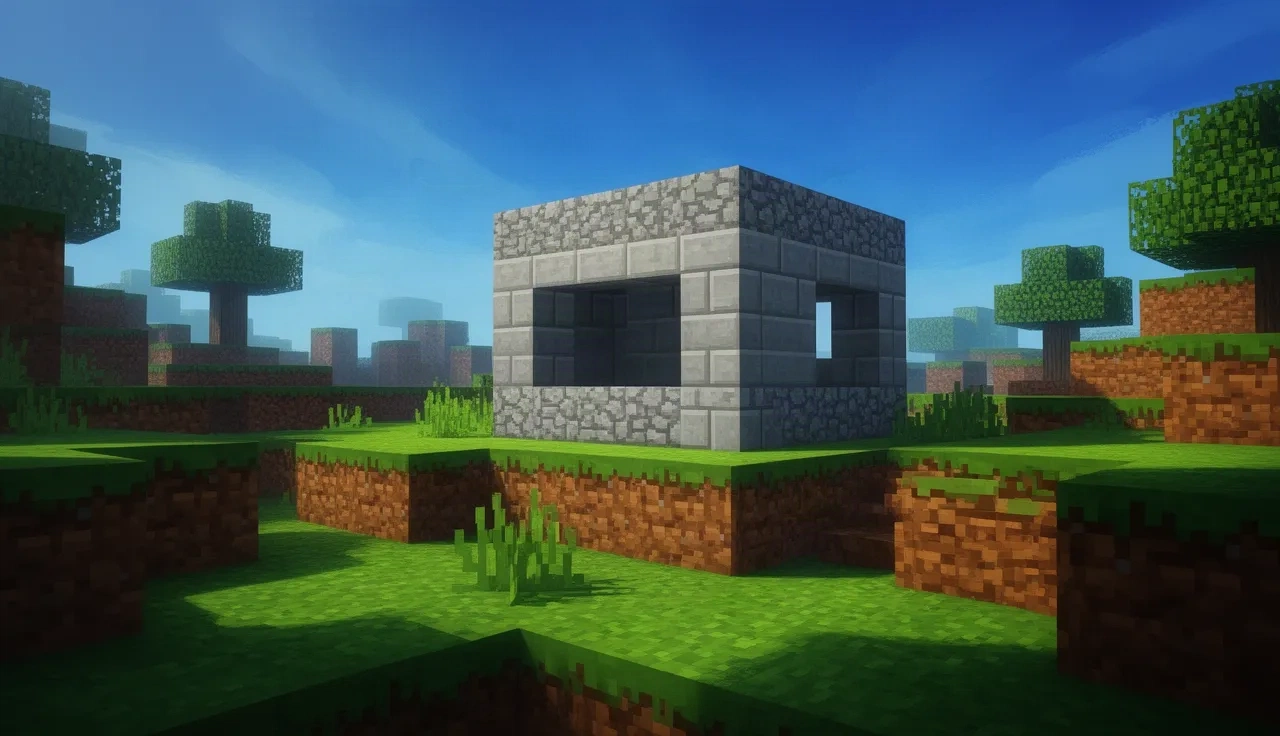
The safest way to play Minecraft in a browser is also an official one. Mojang put Minecraft Classic, the 2009 version of the game, online for free to celebrate Minecraft's 10th anniversary, and it still loads in a tab today.
It is not modern Minecraft. Classic is creative mode only, with 32 blocks and no survival, crafting or mobs. But it starts in seconds, needs no account, and you can invite friends with a link.
Minecraft Classic
Status
Plays instantlyLink up on Oct 13, 2026
Mode
Creative building, solo or with friends via invite link
Host
classic.minecraft.net
Download
~14 MB (measured Oct 13, 2026)
Phone
Desktop only
Mojang's own free re-release of the 2009 Classic version, made for the game's 10th anniversary. It drops you straight into a world with the original 32 blocks in creative mode, old bugs included, and you can share a link so friends can join. On phones it shows a message that this version requires a keyboard.
Opens a third-party site. Skip anything that asks you to install a launcher or extension.
How to play Minecraft in browser with Minecraft Classic
The simplest way to play Minecraft in browser is Minecraft Classic, and it comes from Mojang itself. It is the 2009 version of the game, re-released for free in 2019 to mark Minecraft's 10th anniversary, and it still runs in a normal browser tab.
There is no installer, no launcher and no account. The page loads about 14 MB in our test and then drops you straight into a world, ready to place and break blocks. If you have only a few minutes, that is the whole appeal: you can be building before a modern launcher would finish updating.
What Minecraft Classic includes (and what it does not)
Classic is a snapshot of the game from its earliest public days. Expect a small toolbox and a lot of freedom inside it.
32 blocks to build with, the same set the 2009 version had.
Creative mode only. You have every block from the start and nothing can hurt you.
No survival mode, no crafting, no hunger and no mobs.
The original bugs are still there.
Worlds are not meant to last. Treat each session as a sketchbook rather than a long project.
If you grew up on modern Minecraft, this feels bare. If you want to see where the game started, or just want a quiet place to build, it is a nice surprise.
Playing with friends
Minecraft Classic can be shared. The game gives you an invite link for your world; send it to friends and they can open it in their own browser and build alongside you. Nobody needs an account or a copy of the game, which makes it an easy thing to try with a group that does not all own Minecraft.
Everyone who joins needs a computer with a keyboard, for the reason explained below.
Phones and tablets
Minecraft Classic is a desktop and laptop game. When we opened it on a phone, it showed a message saying this version of Minecraft requires a keyboard, and there were no touch controls to fall back on. A tablet with a hardware keyboard may get further, but we have not tested that, so plan on using a computer.
Other Minecraft in browser options
Search for Minecraft in browser and you will also find unofficial builds that promise full Minecraft in a tab. The best known is Eaglercraft. These are fan projects or mirrors of them, not Mojang releases, and Mojang has issued DMCA takedowns against Eaglercraft (in 2022), so copies move from site to site and come and go.
We do not recommend them. Whatever you try, never type your Microsoft account details into a site that is not run by Microsoft or Mojang. For a longer checklist on spotting risky game sites, read our browser games safety guide.
More building and strategy games
If Classic leaves you wanting a bigger project, OpenTTD in browser is a free transport tycoon game where you build rail, road and ship networks across a whole map, and it also needs no files. For the full list of ports we have checked, with download sizes and phone support side by side, see PC games in browser.
Tips before you play
Use a computer with a keyboard. On phones, Minecraft Classic shows a message that it requires a keyboard.
Copy the invite link from the game to let friends build in your world.
Worlds are temporary. Take a screenshot of anything you are proud of.
Unofficial "full Minecraft in browser" sites are fan builds or mirrors. Never enter your Microsoft account on them.
FAQ
Is Minecraft Classic really free?
Yes. Mojang released it free in the browser for the game's 10th anniversary.
Can I play survival mode in the browser?
Not in Minecraft Classic. It is creative building only, as the 2009 version was.
Do I need a Minecraft account?
No. Classic opens without signing in.
How big is Minecraft Classic?
About 14 MB in our test. It then drops you straight into a world, with no menus to get through first.
Is Eaglercraft the same as Minecraft in browser?
No. Eaglercraft is an unofficial fan build. Minecraft Classic is the version Mojang itself put online.