Updated Oct 13, 2026 · 1 more we checked and added
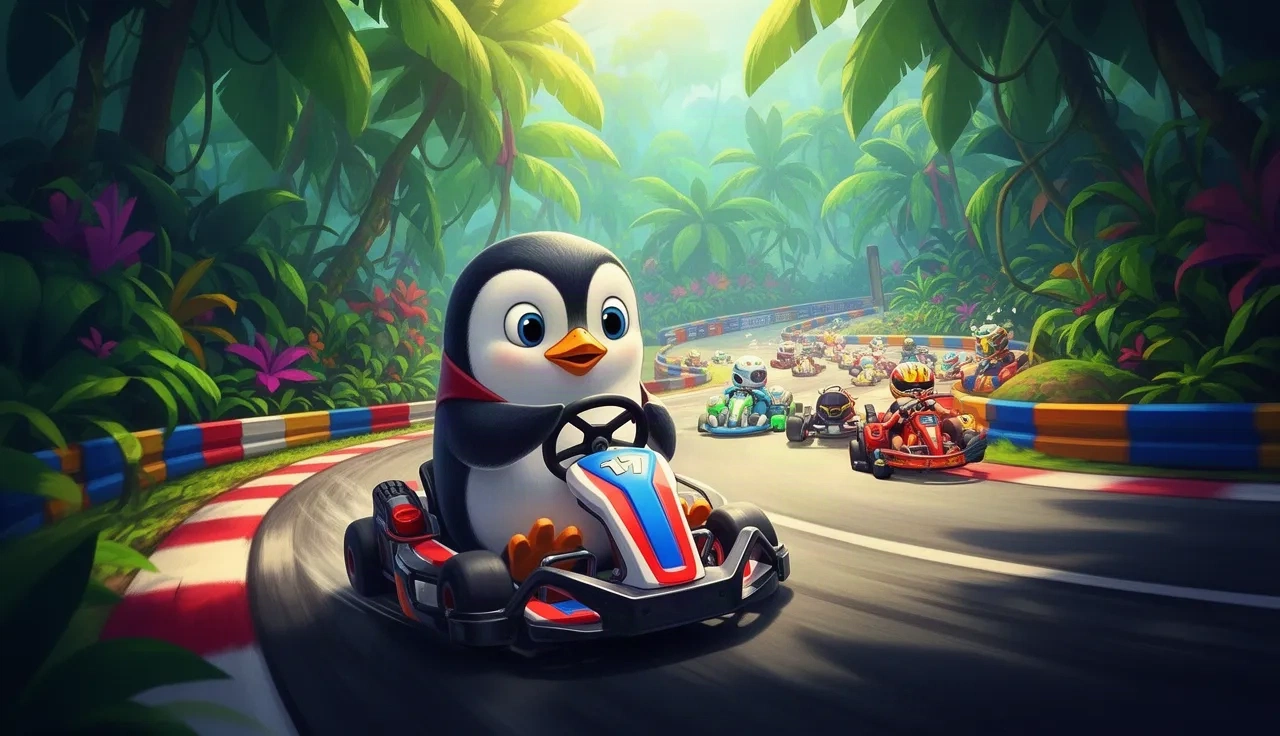
SuperTuxKart is the best-known free kart racer, and an experimental WebAssembly port now runs it in a browser tab.
The port is honest about its limits: the download is 120 MB at low texture quality, the game wants about 500 MB of memory, and online networking does not work yet. Racing against the AI does.
SuperTuxKart (WebAssembly)
Status
Plays instantlyLink up on Oct 13, 2026
Mode
Kart racing against AI
Host
supertuxkart.pages.dev
Download
~120 MB (measured Oct 13, 2026)
Phone
Desktop only
An experimental WebAssembly port of the free, open-source kart racer by ading2210. The project says everything works except some rendering features and networking. You pick texture quality before starting: low is a 120 MiB download, medium 171 MiB and high 249 MiB, and the game needs about 500 MB of memory.
Opens a third-party site. Skip anything that asks you to install a launcher or extension.
What SuperTuxKart in browser can do
SuperTuxKart in browser is an experimental WebAssembly port of the open-source kart racer, made by ading2210. It runs the real game, not a lookalike, inside a browser tab.
The project is upfront about its state: everything works except some rendering features and networking. In practice that means you can race against AI opponents on the game's tracks, but online races are not available, and some visual effects you would see in the desktop version are missing.
Download size and memory
Before the game starts, you pick a texture quality, and that choice decides the size of the download:
Low: 120 MiB.
Medium: 171 MiB.
High: 249 MiB.
Whichever you pick, the game needs about 500 MB of memory while it runs. That is fine on most desktop and laptop computers, but too much for phones, so treat this port as desktop only. If the tab crashes during loading, close other tabs and try again at low quality.
About SuperTuxKart
SuperTuxKart is a free, open-source kart racing game developed by volunteers. Its mascot is Tux, the Linux penguin, and the roster is filled out with mascots from other open-source projects.
It plays like the arcade kart racers it is inspired by: drift through corners, collect items and try to hold first place. The desktop version also has online play and a story mode; the browser port's own notes only promise racing against the computer.
Because the game itself is free and open source, this port is on much safer ground than ports of commercial games. If the web version ever goes down, the desktop game remains a free download from the official project.
SuperTuxKart in browser vs the desktop game
The browser port is a good way to try SuperTuxKart without installing anything, but it is not a replacement for the desktop release. The desktop version is a free download, renders every effect, and supports online races. The web build trades those for convenience: open a tab, choose a texture quality, wait for the download, and you are racing.
Keep in mind that the port is labelled experimental. If it fails to start on your machine, try a different desktop browser, pick low textures, and if it still will not load, install the desktop game instead.
Browser: no install, 120 to 249 MiB download, AI races only, some rendering features missing.
Desktop: free install, full graphics, online multiplayer.
Tips for a smooth race
Start with low textures. If it runs smoothly, you can try medium or high later.
Close other heavy tabs before loading to free memory. The game needs about 500 MB on its own.
Use a keyboard; we did not test gamepad support in this port.
Plan for offline races only. Networking does not work in this port.
Use a desktop browser with hardware acceleration turned on.
Give the first load time. A download of 120 MiB or more can take a while on a slow connection.
If the frame rate drops, close the race and restart at a lower texture quality rather than pushing through.