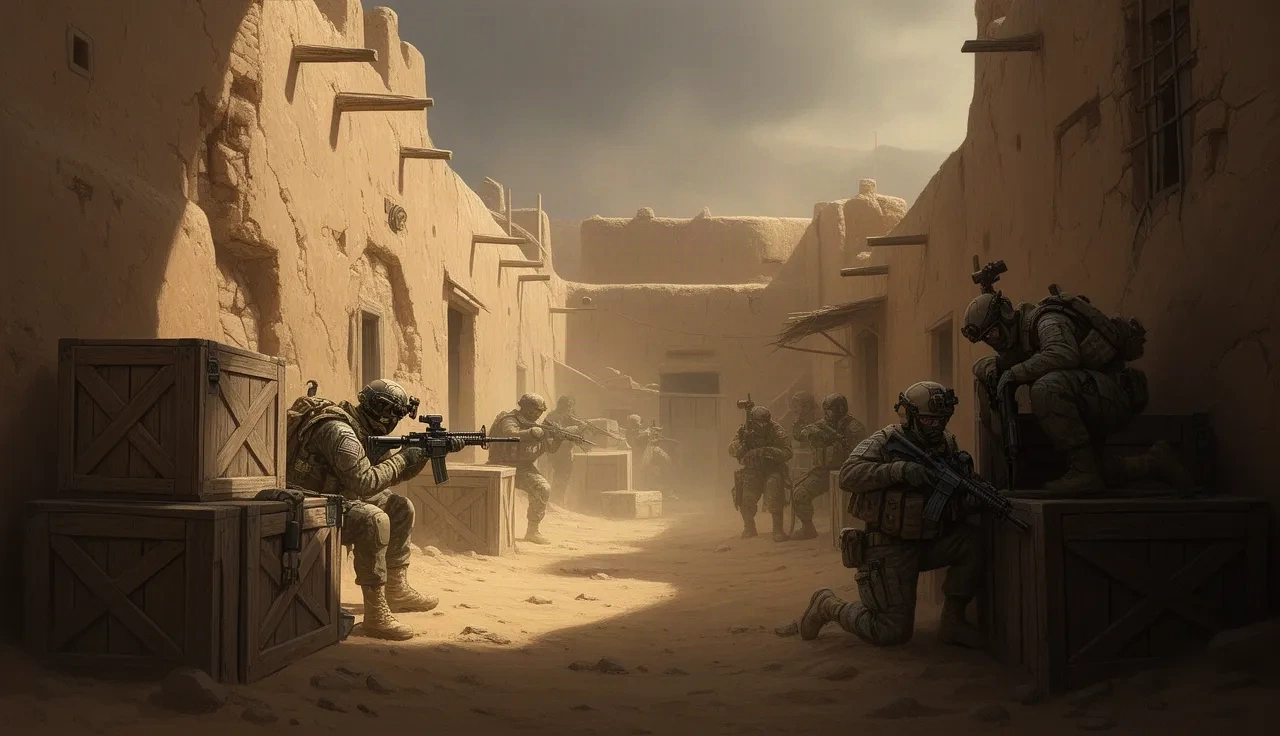
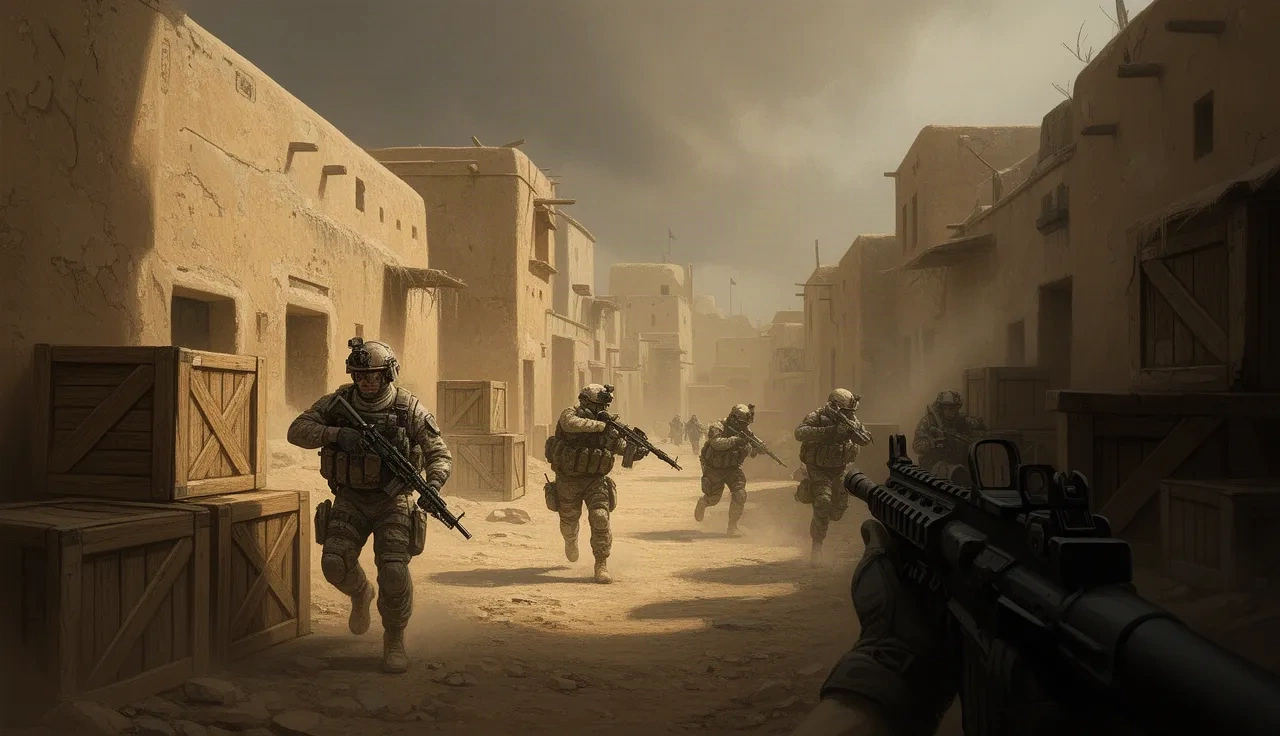
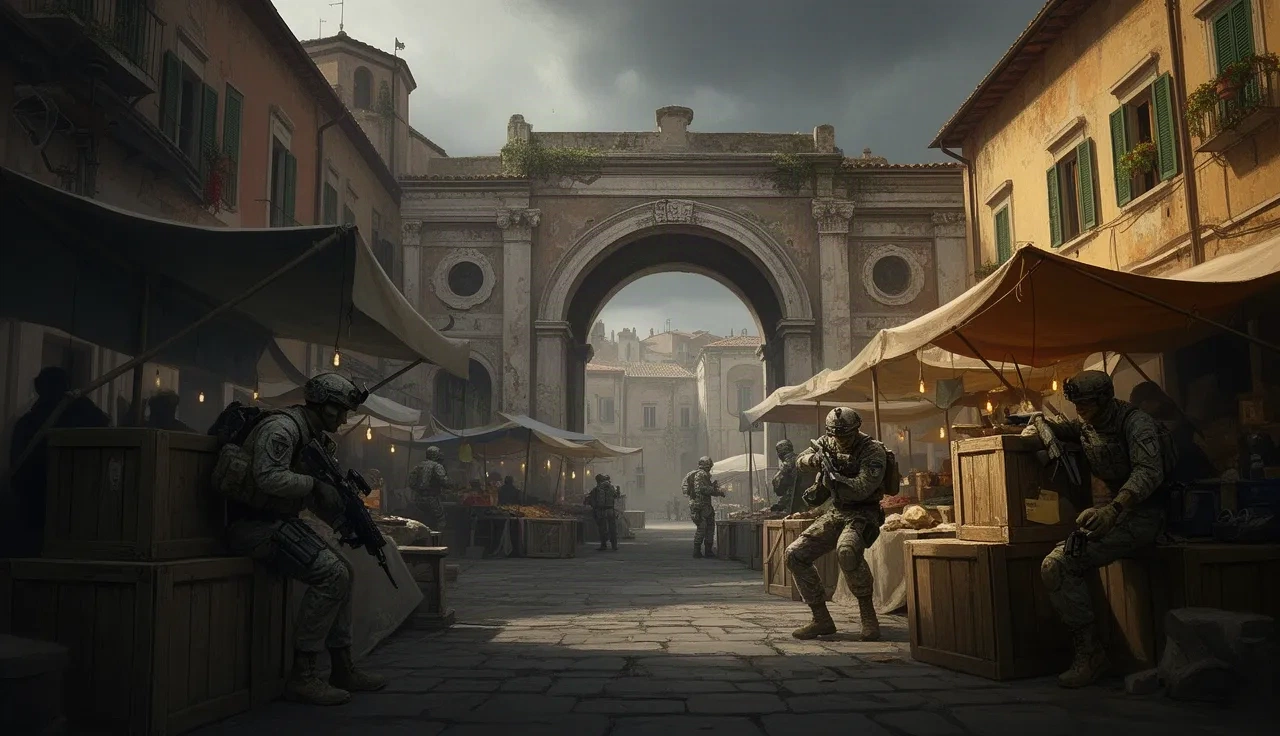
CS 1.6 in browser through WebXash
CS 1.6 in browser on the Radiant Optimizer list runs through WebXash, a web build of Xash3D. Xash3D is an open-source engine that is compatible with Valve's GoldSrc, which means it can run Half-Life and its most famous mod, Counter-Strike 1.6. The engine is free; the game content comes from your own copies.
Files you need for CS 1.6 in browser
- The valve folder from Half-Life. Counter-Strike 1.6 depends on it.
- The cstrike folder from Counter-Strike. This holds the maps, models and weapons.
- Both folders from a legitimate install, for example from Steam.
Copy both folders. CS 1.6 will not start with only one, which is the most common setup mistake.
What to expect from CS 1.6 in browser
WebXash is an engine port, so what you can do depends on the build. Plan on offline play: practicing on classic maps like de_dust2 or cs_office, learning spray patterns, or playing against bots if the build includes them. Online play with real servers is not the focus of a browser engine port.
Performance is rarely an issue. GoldSrc was built for late-1990s hardware, so any machine with working WebGL handles it.
A short history of Counter-Strike 1.6
Counter-Strike began in 1999 as a Half-Life mod by Minh Le and Jess Cliffe. Valve hired them and released it commercially, and version 1.6 arrived in 2003 alongside the launch of Steam. It became the definitive competitive shooter of its era, and many players still prefer its movement and maps to later versions.
No files? Try these instead
If you do not own the games, CS surf in browser needs no files and recreates Counter-Strike surf movement. For full online shooters that need nothing, see Urban Terror in browser and Quake in browser. The Half-Life and Counter-Strike browser games page compares the Valve-related options, and Half-Life in browser covers the campaign.
Classic maps to load in CS 1.6 in browser
- de_dust2: the most played Counter-Strike map ever, with its long A and tunnels to B.
- de_inferno: tight streets and the banana corridor, great for practicing grenades.
- de_nuke: a vertical map where sound and timing matter more than aim.
- cs_office: the classic hostage rescue map, chaotic and fun with bots.
- de_aztec and cs_italy: two old favorites that show off the 1.6 era atmosphere.
Which maps you can load depends on the contents of your cstrike folder. A standard install includes all of these.
Controls and console basics
CS 1.6 in browser keeps the original controls: WASD to move, mouse to aim and shoot, R to reload, B to open the buy menu, and the number keys to switch weapons. The developer console, opened with the tilde key, still works in GoldSrc-compatible engines and lets you change sensitivity, crosshair settings or start a map directly. Commands from old configs usually carry over, so experienced players can recreate their old setup in the browser.
CS 1.6 in browser vs Counter-Strike 2
Counter-Strike 2, released in 2023, is free to play on Steam and runs on Valve's Source 2 engine, so it cannot run in a browser. CS 1.6 in browser offers something CS2 does not: the original 2003 movement, hitboxes, maps and atmosphere on a machine where you cannot install anything. For competitive online play, CS2 is the active game. For nostalgia, quick practice on classic maps, or a computer that cannot handle a modern shooter, the browser engine with your own 1.6 files is the lighter option.
Play CS 1.6 in browser online with no files
If you do not own Half-Life or Counter-Strike, two sites let you play CS 1.6 in browser on live servers without any files of your own.
Combat Skirmish runs Counter-Strike 1.6 through WebAssembly and connects to public community servers. During our check the site counted 4,646 players and 1,182 public servers. Quick Join drops you into a populated server, and a server browser lets you choose one yourself. It also has ranked 5v5 matchmaking and a map editor. The basic controls are WASD to move, left click to shoot and B for the buy menu. The site says it works on phones and tablets, it shows ads, and it offers an optional client for Windows, Linux and Android. You do not need that client to play in the browser.
CSJS runs CS 1.6 on the Xash3D engine compiled to WebAssembly and has its own server browser. It comes from the same author as Q3JS.
Both put you in live matches with other players, which is why we did not measure their download sizes. One safety rule applies to both: play in the browser, and never install anything a mirror or copycat site offers you. More options are on the Counter-Strike browser games page.
Tips before you play
- Copy both the valve and cstrike folders. CS 1.6 will not start with only one.
FAQ
Can I play CS 1.6 online in the browser?
Yes. Combat Skirmish and CSJS join live community servers with no files. WebXash is the option for your own game files.
Can I play CS 1.6 in browser online?
WebXash focuses on running the engine. Expect offline play rather than public servers.
Is CS 1.6 in browser legal?
Running an open-source engine with files from games you own is the defensible setup. Downloading the game files elsewhere is not.
Does it work on a Mac?
Yes, in Chrome or Edge on macOS, as long as WebGL is enabled.
Why does WebXash say files are missing?
It usually means only one of the two folders was loaded, or a folder from a modified install was used. Load both valve and cstrike from a clean install.
Related
← Back to all Radiant Optimizer games