Updated Oct 13, 2026 · 1 more we checked and added
RollerCoaster Tycoon, Chris Sawyer's 1999 theme park builder, runs in a browser tab. It is not a remake: Wine-Assembly, a Windows 98 emulator written in WebAssembly, runs the original program with the game's data files supplied by the site.
Be patient on the first visit. In our test the title menu appeared after about 70 seconds and at least 50 MB of downloads.
RollerCoaster Tycoon (Wine-Assembly)
Status
Plays instantlyLink up on Oct 13, 2026
Mode
Single-player theme park builder
Host
wine-assembly.berrry.app
Download
~50 MB+ (measured Oct 13, 2026)
Phone
Phone: limited
The original RollerCoaster Tycoon executable running inside Wine-Assembly's Windows 98 emulator, with the game's data files mounted by the site, so there is nothing to supply. In our test the title menu appeared after about 70 seconds and at least 50 MB. The project says it loads in mobile Safari and Chrome, but the game was made for a mouse.
Opens a third-party site. Skip anything that asks you to install a launcher or extension.
How RollerCoaster Tycoon in browser works
RollerCoaster Tycoon in browser runs on Wine-Assembly, a Windows 98 emulator written in WebAssembly Text. Instead of rebuilding the game, it runs the original RCT.exe inside an emulated Windows, with an x86 interpreter and its own layer for the Windows calls the game makes.
The site mounts the game's data files for you, so there is nothing to upload and no copy of the game to own. That is convenient, and it is also the main risk, which we cover below.
Plan for a slow first load. In our test the title menu appeared after about 70 seconds and at least 50 MB of downloads. The real total is likely higher: the browser stopped recording after 250 files, and the emulator loads more than that.
About RollerCoaster Tycoon (1999)
RollerCoaster Tycoon was designed and programmed by Chris Sawyer and released in 1999, published by Hasbro Interactive, under the MicroProse name in some regions. Sawyer wrote it almost entirely in x86 assembly language, which is part of why it ran so smoothly on the PCs of the time with thousands of guests on screen.
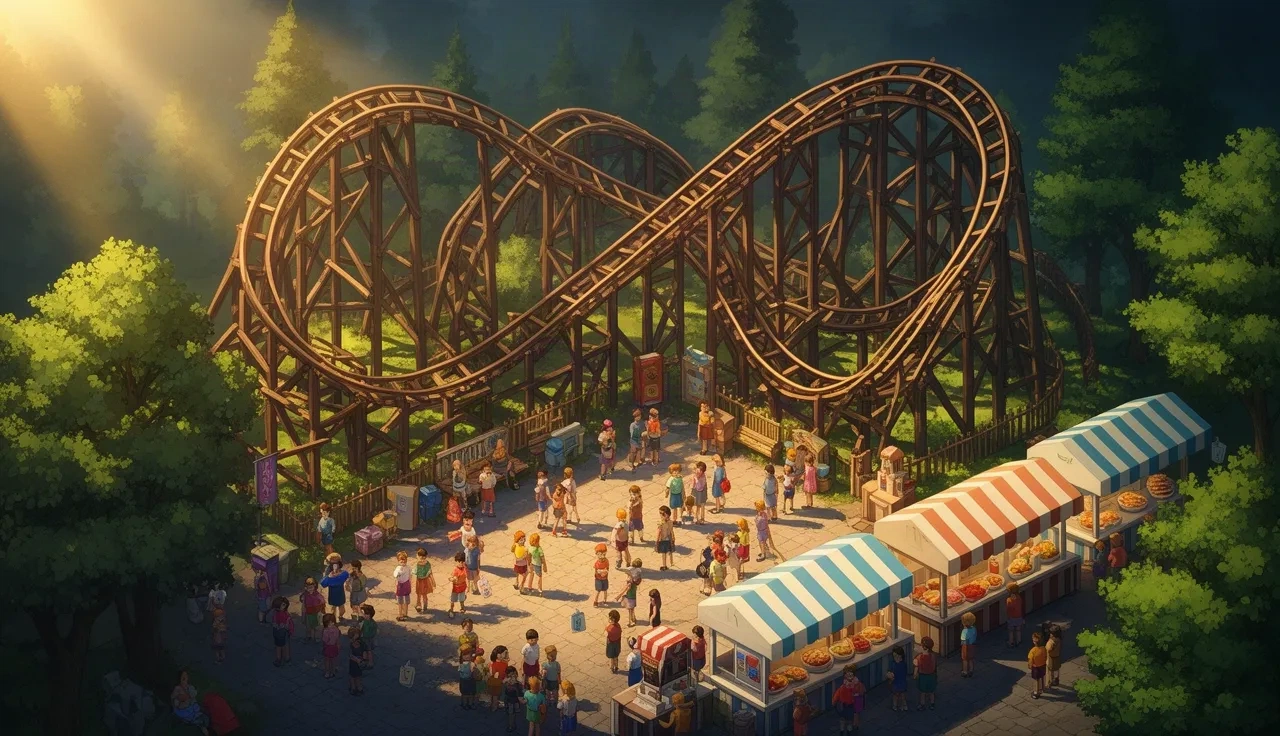
You build a theme park on an empty plot, design your own coasters piece by piece and keep the guests happy with food stalls, toilets, paths and staff. Each scenario sets a goal, such as a number of guests or a park rating by a deadline. The game was a huge success and was followed by RollerCoaster Tycoon 2 in 2002.
RollerCoaster Tycoon in browser vs OpenRCT2
If you search further, you will find OpenRCT2, a free, open-source re-implementation of RollerCoaster Tycoon 2. It is a separate project that rebuilt the game's code and adds modern features, but it does not include the game data. You need the files from your own copy of RollerCoaster Tycoon 2.
There is also an OpenRCT2 web build that asks for your RCT2 files before it starts. If you own RCT2, that is the cleaner route: you supply your own data and nothing commercial is hosted by someone else. If you do not own it, the Wine-Assembly page is the only option we found that runs the original game with no files, with the caveats below.
The risks of this page
RollerCoaster Tycoon is a commercial game, and here its data is hosted by a third party rather than supplied by you. That is a common reason for game pages to disappear, so do not be surprised if this one stops working one day.
The game runs in your tab and installs nothing. If a copy of this page, or any site claiming to offer RollerCoaster Tycoon in browser, asks you to download an installer or a browser extension, close it. Our browser games safety guide lists the most common tricks.
Tips for your first park
In any park, start with a few cheap, popular rides before building a big coaster.
Keep paths short and avoid dead ends. Lost guests are unhappy guests.
Phones and tablets
The project says the game loads in mobile Safari and Chrome. Loading is not the same as playing comfortably, though: a phone screen makes small buttons and track pieces hard to hit, so a computer is the better choice.
More building and management games
If you like building networks rather than parks, OpenTTD in browser is a free transport tycoon game that needs no files. The same Wine-Assembly emulator also runs Windows' old pinball table: see Space Cadet pinball in browser.
Tips before you play
Use a mouse on a desktop. The game was built around clicking and dragging.
Wait for the title menu even if the screen stays dark for a while on the first load.
This runs commercial game data hosted by a third party, so it could disappear. Do not install anything a copy of it offers.
FAQ
Do I need my own RollerCoaster Tycoon files?
No. The site mounts the game's data files for you.
Does RollerCoaster Tycoon in browser work on phones?
The project says it loads in mobile Safari and Chrome, but the game was made for a mouse.
Is RollerCoaster Tycoon in browser the full game?
It runs the original RCT.exe with the game's data files mounted by the site. We tested that it reaches the title menu.
Will my park be saved?
We did not test saving. Assume progress may be lost when you close the tab, and do not rely on it for a long project.